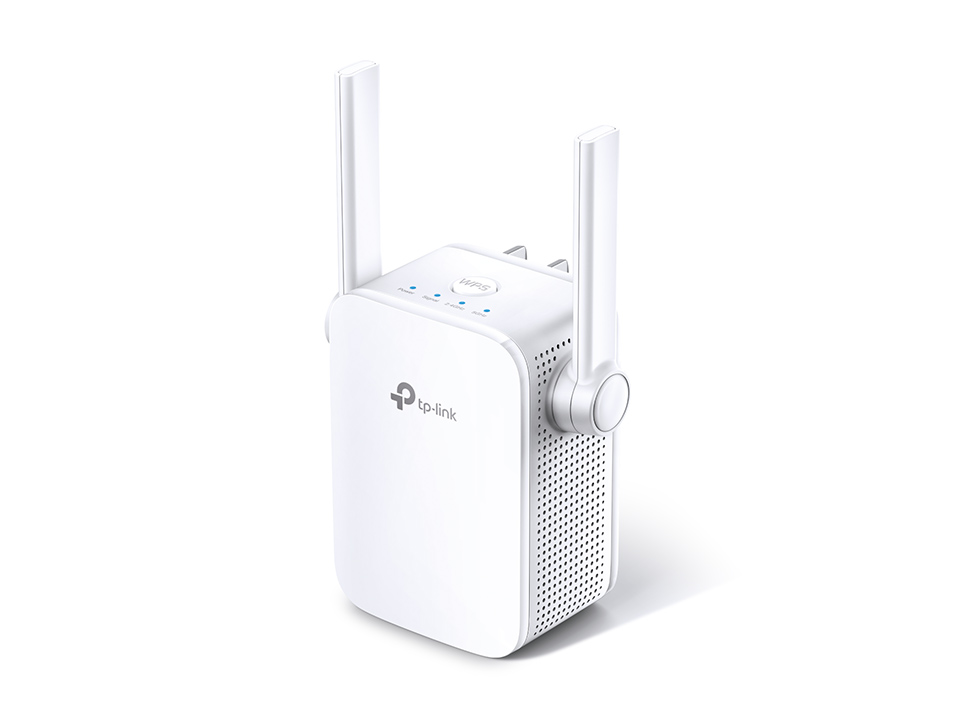

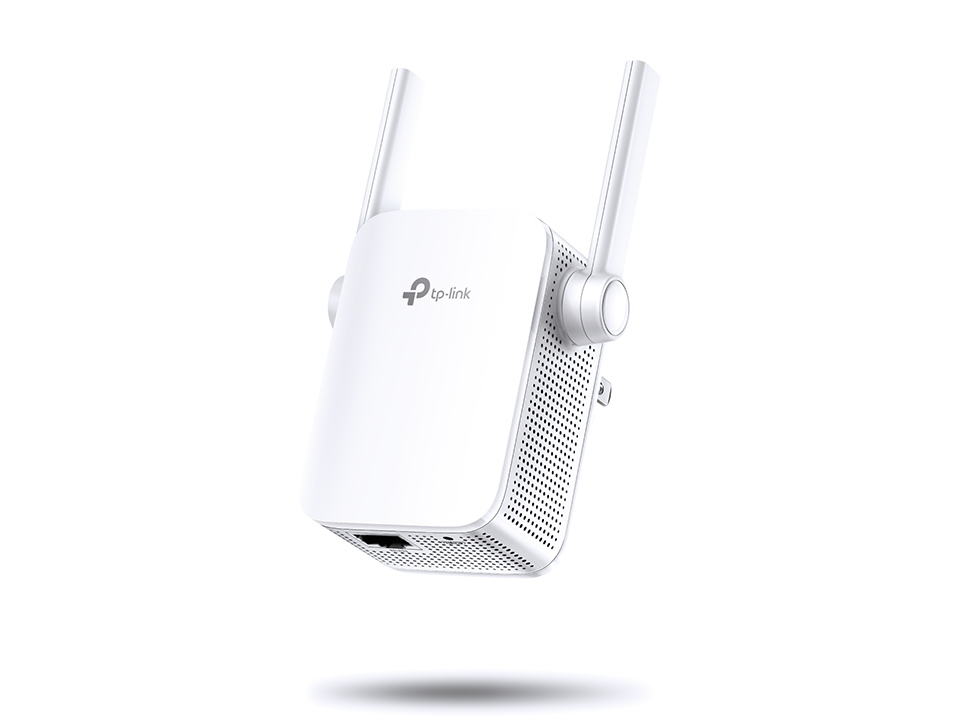
TP-Link AC1200 WALL PLUG WIFI RANGE EXT RE305
$59.00 inc. 9% GST
AC1200 Wi-Fi Range Extender
- Brings Wi-Fi dead zone to life with strong Wi-Fi expansion at a combined speed of up to 1.2Gbps*
- Operates over both the 2.4GHz band(300Mbps) and 5GHz band(867Mbps) for more stable wireless experience*
- Intelligent signal light helps to fi?nd the best?location for optimal Wi-Fi coverage by showing the signal strength
- Works with any Wi-Fi router or wireless access point**
12 in stock
Stable Dual Band Wi-Fi Extension
to Bring Dead Zones to Life
AC1200 Wi-Fi Range Extender
RE305
Easily Expand Your Wi-Fi Coverage*
Tired of Wi-Fi dead zones in your home? The RE305 Range Extender connects to your Wi-Fi router wirelessly, strengthening and expanding its signal into areas it can?t reach on its own, while reducing signal interference to ensure reliable Wi-Fi coverage throughout your home or office.
High-Speed Dual Band Wi-Fi for Better Connections
The RE305 lets you keep more devices* connected at the same time with its 2.4GHz 300Mbps and 5GHz 867Mbps dual bands. Use the 2.4GHz band to send email and browse the web, and the 5GHz band for gaming and HD streaming.
- 300Mbps
- 2.4GHz Band
- 867Mbps
- 5GHz Band
Perfect Location at a Glimpse
An Intelligent Signal light helps you quickly find the best location to install the RE305.
- Blue
- Good
connection
- Red
- Too far away
from the router
Built-in Access Point Mode
RE305 is more than a wireless range extender. Simply plug the Ethernet cable into its Ethernet port to easily turn your wired internet connection into a dual band wireless access point.
Easy Management and Remote Control
The RE305 works with all Wi-Fi routers. You can use TP-Link’s free Tether app to set up the range extender from any Android or iOS device in minutes. This feature-rich phone app allows you to enjoy not only hassle-free installation, but also access to advanced network management, all at your fingertips.
Specfication:
| WIRELESS | |
|---|---|
| Working Modes | Range Extender/Access Point |
| HARDWARE FEATURES | |
|---|---|
| Plug Type | EU, UK, US |
| Ports | 1 x 10/100Mbps Ethernet Port (RJ45) |
| Button | WPS Button, Reset Button |
| Input Power | 100-240V~50/60Hz |
| Power Consumption | 7.3W?max power consumption? |
| Dimensions ( W x D x H ) | 3.1 x 3.0 x 3.0 in. (80 x 78 x 77mm) |
| Antenna | 2 External Antennas |
| WIRELESS FEATURES | |
|---|---|
| Wireless Standards | IEEE 802.11a/n/ac 5GHz, IEEE 802.11b/g/n 2.4GHz |
| Frequency | 2.4GHz and 5GHz |
| Signal Rate | 300Mbps at 2.4GHz, 867Mbps at 5GHz |
| Reception Sensitivity | 5GHz? 11a 6Mbps:-91dBm 11a 54Mbps: -74dBm 11ac HT20 mcs8: -68dBm 11ac HT40 mcs9: -63dBm 11ac HT80 mcs9: -59dBm 2.4GHz |
| Wireless Functions | Enable/Disable Wireless Radio DFS (the latest firmware and hardware version is required) Access Control LED Control Power Schedule Wi-Fi Coverage |
| Wireless Security | 64/128-bit WEP WPA-PSK / WPA2-PSK |
| Transmission Power | 2.4G<17dBm? 5G<17dBm |
| OTHERS | |
|---|---|
| Certification | CE, FCC, RoHS |
| Package Contents | AC1200 Wi-Fi Range Extender RE305 Quick Installation Guide |
| Box Dimensions (W X D X H) | 6.15 x 4 x 3.7 in. (156.5 x 101.5 x 95mm) |
| System Requirements | Microsoft? Windows? 98SE, NT, 2000, XP, Vista or Windows 7, 8, 10, Mac? OS, NetWare?, UNIX? or Linux. |
| Environment | Operating Temperature: 0?C~40?C (32?F~104?F) Storage Temperature: -40?C~70?C (-40?F~158?F) Operating Humidity: 10%~90% non-condensing Storage Humidity: 5%~90% non-condensing |
Related products
-

TP-Link AC1900 Wi Fi Range Extender | RE580D
$599.00 inc. 9% GSTAdd to cartAC1900 Wi-Fi Range Extender
- Simultaneous 600Mbps on 2.4GHz + 1300Mbps on 5GHz totals 1.9Gbps Wi-Fi speeds
- 3 dual band external antennas and 700mW high-powered amplifiers eliminate ?dead zones? and greatly extend your existing wireless coverage
- Beamforming technology delivers highly targeted and efficient wireless connections
- 5 Gigabit Ethernet ports provide gigabit speed for wired connections
- Dual core 1GHz processor ensures no interruption when simultaneously processing multiple wireless or wired tasks
- High Speed mode creates a lightning fast wireless connection for bandwidth-intensive tasks
- Works with any Wi-Fi router or wireless access point
-

TP-Link AC1900 WiFi Extender (RE550)
$82.00 inc. 9% GSTAdd to cartAC1900 Wi-Fi Range Extender
- Maximum Coverage – Extend Wi-Fi coverage to those hard-to-reach areas, eliminating dead zones
- AC1900 Dual-Band Wi-Fi – Simultaneous 600Mbps on 2.4GHz + 1300Mbps on 5GHz
- Three Antennas – Three adjustable external antennas provide optimal Wi-Fi?coverage and reliable connections
- Gigabit Ethernet port – Act as a wireless adapter to connect a wired device to your network at Gigabit speed
- Intelligent Signal Light – Help to find the best?location for optimal Wi-Fi coverage by showing the signal strength
- AP Mode – Create a new Wi-Fi access point to enhance your wired network with Wi-Fi capability
- TP-Link Tether App – Easily access and manage your network using any iOS or Android mobile device
- Ultimate Compatibility – Extend the range of any Wi-Fi router or wireless access point
-

TP-Link AV1000 POWERLINR WIFI KIT AC750 TL WPA7510 KIT
$69.00 inc. 9% GSTRead moreAV1000 Gigabit Powerline ac Wi-Fi Kit
- Homeplug AV2 standard compliant???High-speed data transfer rates of up to 1000 Mbps*, supports all your online needs.
- Dual band 802.11ac Wi-Fi ? Extends 2.4GHz (300Mbps) + 5GHz (433Mbps)?dual band Wi-Fi speeds to every room of your house.**
- One-Touch Wi-Fi Configuration ? Wi-Fi Clone Button simplifies your Wi-Fi configuration and helps build a seamless unified home network.
- Gigabit Ethernet port provides reliable high-speed wired connections for gaming or streaming.
- Plug and Play ? Set up your powerline network and start enjoying fast, seamless wired/wireless connection in minutes.
-

TP-Link RE705X Mesh AX3000 Wifi 6 Range Extender
$125.00 inc. 9% GSTAdd to cartCover Every Corner withBlazing Fast WiFi 6 AX3000 WiFi 6 Range Extender RE705X 1000 M Ethernet Port AX3000 Extremely-Fast WiFi 2402?Mbps 5 GHz?574?Mbps 2.4 GHz Works with any WiFi router1 160 MHz?Bandwidth Streaming Network for Multi-Devices Dual Band MU-MIMO2 OneMesh? Life in the fast lane with advanced WiFi6 WiFi 6 comes with it all: faster …