


TP-Link KASA SMART WIFI PLUG SLIM | KP115
$32.00 inc. 9% GST
Kasa Smart WiFi Plug Slim with Energy Monitoring
- Control from Anywhere – Remotely control your connected devices on your smartphone.
- Energy Monitoring – Analyze the connected device’s real-time and historical power usage.
-
Compact Design – Fits into sockets without blocking adjacent ones.
-
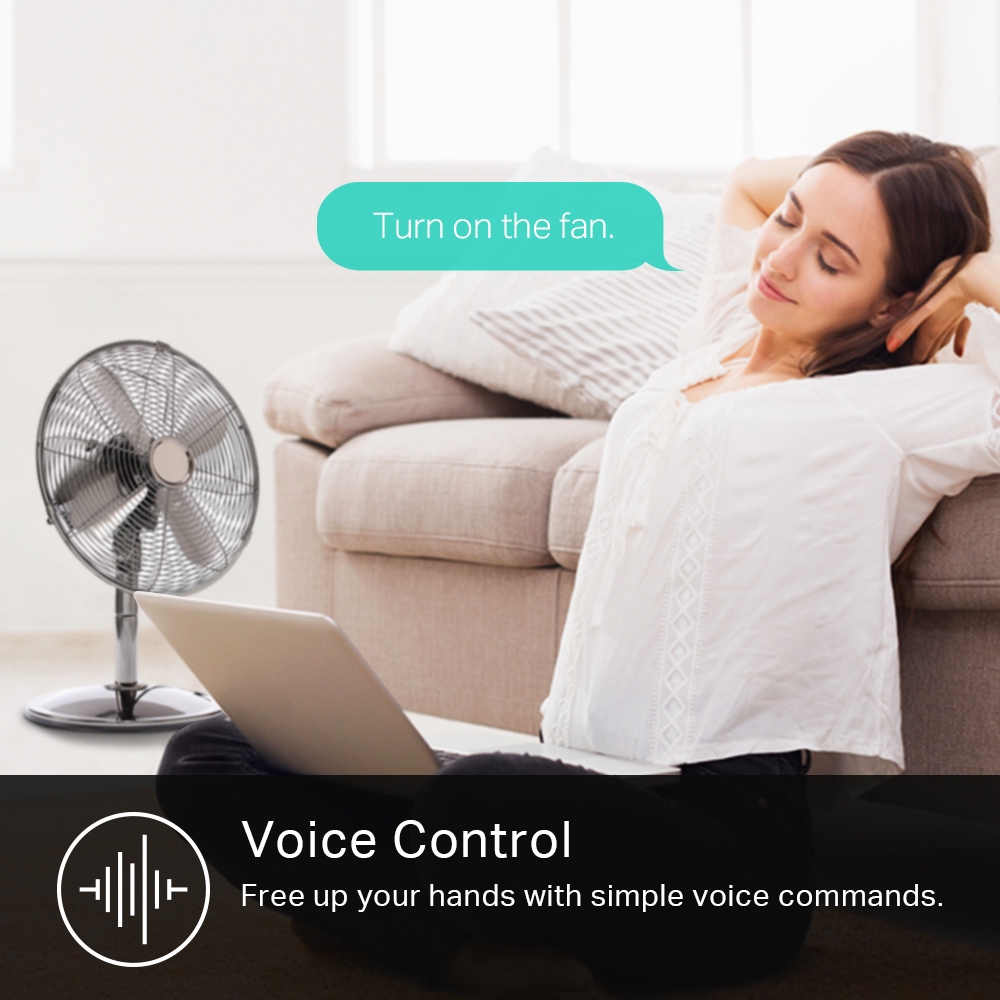
Voice Control – Free up your hands with simple voice commands. Works with Alexa, Google Home, and Samsung Bixby.
-
Schedule and Timer – Set a schedule or timer to switch your devices on or off automatically.
-
Multiple Safety Guarantees – Overheating protection and fireproof shell help minimize burning hazards. A sliding safety cover protects children from electric shock.
-
Grouping – Use Grouping to combine your smart plug with other Kasa Smart devices for seamless control with one single tap on your smartphone.
Out of stock


Cut Down Your Electric Bills
Monitor the real-time energy consumption and avoid unnecessary energy loss and lower your electric bills with the Schedule and Timer function.
-

No Hub Required
Works with any Wi-Fi router without the need for a separate hub.


-

Voice Control
Works with Amazon Alexa and Google Home to manage your devices through Voice Control.


Kasa Exclusive Smart Actions
Create interactions with your plug and other Kasa products. Connect a lamp to your plug so that when your camera detects motion, your light turns on.

Related products
-
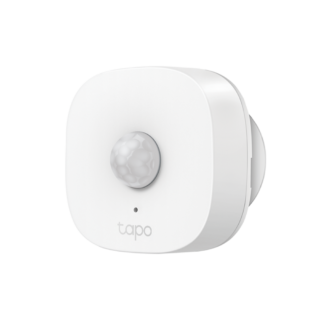
TP-Link Tapo T100 Tapo Smart Motion Sensor
$32.00 inc. 9% GSTAdd to cartSmart Motion Sensor
- Wide Range Detection?? Captures motion up to 23 ft.(7m) away and through 120? view.
- Motion-Activated Light?? Control smart lights based on your movement and schedule.
- Energy Saving?? Automatically turn on connected smart devices when you come and go.
- Instant Alerts & App Notification?? Alerts you in Away Mode for anything you want to know.
- Battery-Powered?? Compact battery-powered design supports over one year of use.
- Easy Installation?? Mount it by attached 3M adhesive or the build-in?magnets.
-
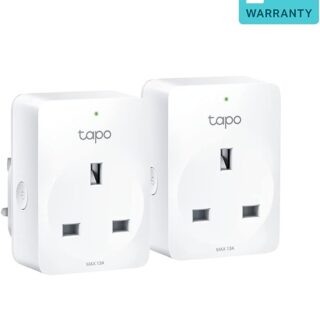
TP-Link TAPO P110 MINI SMART WIFI SOCKET WITH ENERGY MONITORING (2PACK) Tapo P110 2pk
$39.90 inc. 9% GSTAdd to cartMini Smart Wi-Fi Socket, Energy Monitoring
Tapo P110
- Remote Control – Instantly turn connected devices on/off wherever you are through the Tapo app
- Schedule – Preset a schedule to automatically manage devices
- Timer – Create countdown timer lists for connected electronics
- Energy Monitoring – Monitor real-time power consumption and energy spend via the Tapo App
- Voice Control – Manage your smart plug with voice commands via Amazon Alexa or the Google Assistant
- Away Mode – Automatically turns devices on and off at different times to give the appearance that someone is home
- Compact Design – Mini-sized to avoid blocking adjacent sockets
- Easy Setup and Use – No hub required, set up quickly and manage easily through the free app
-
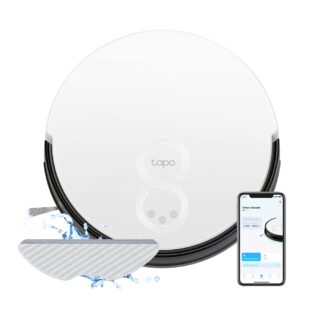
Tapo RV10 Robot Vacuum & Mop 2600mAh Auto-Charging Voice Control
$299.00 inc. 9% GSTRead moreRobot Vacuum & Mop
- High-Efficiency Zigzag Path Planning?- Organizes a neat zigzag route to reduce missed or repeated areas compared with random-path robot vacuums.
- 4-Level Suction Modes?- 2000Pa Strong Suction. Easily clean pet hair, daily messes, and more.
- Vacuum and Mop Combo?- 3-level electronic mopping tackles sticky messes and kitchen grease for a more thorough clean.
- Simple Control via Tapo App?- Tailor scheduling and switch clean modes at home or away.
- 3-Hour Continuous Cleaning?- 2600mAh long-lasting battery to clean your whole home on a single charge.2
- Auto-Charging?- Returns to the charging dock automatically when the battery gets low, and then restarts right where it left off.
- Carpet Auto-Boost?- Increases the suction power when moving from a hard floor to a carpet.
- Voice Control?- Simply send voice commands via smart speakers.
-
TP-Link DIMMABLE SMART LIGHT BULB | TAPO-L510E
$16.90 inc. 9% GSTAdd to cartSmart Wi-Fi Light Bulb, Dimmable
Tapo L510E
- Dimmable (Adjust with Ease) – Manage the lighting at your fingertips to create the perfect atmosphere in your home at any time
- Dimmable (Preset for Convenience) – Found your favorite lighting for watching movies? Save it as a setting you can simply select for future movie nights
- Schedule (Set Your Times) – Create a regular schedule to turn on/off with the brightness you set
- Schedule (Sunrise and Sunset Modes) – Automatically activate your light according to your time zone
- Voice Control – Manage the lights with your voice commands as Tapo works with Amazon Alexa and Google Assistant
- Remote Control – Take your phone out for the pocket and open the Tapo app to control your light remotely
- Away Mode – Automatically simulate someone being at home to frighten away, unwanted visitors